Budgets
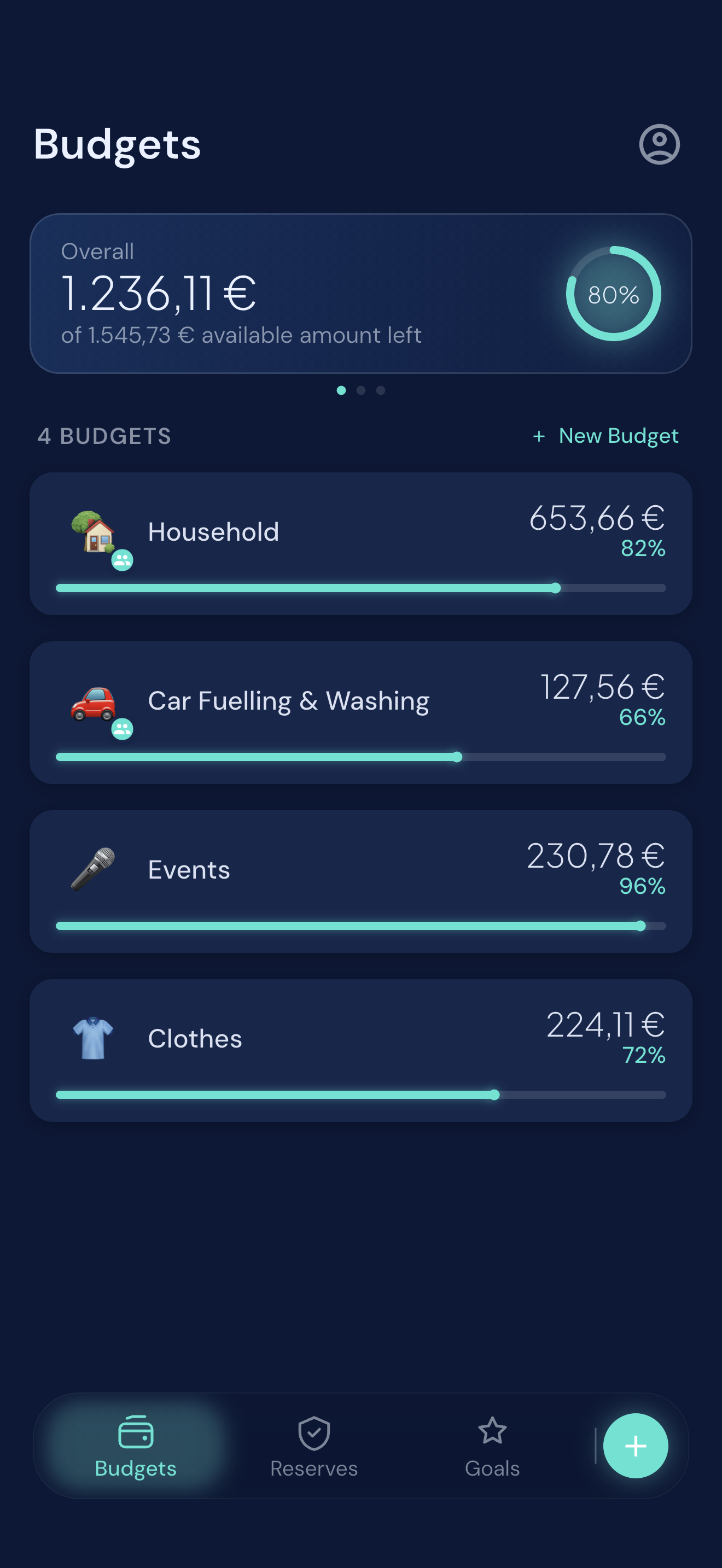
Monthly amounts for everyday spending.
Groceries, fuel, clothes, the things that come back every month. Each budget shows what is left and how far into it you are, so you can decide in a second rather than do the maths.
 Schmidti Budget
iOS budgeting app
Your money in three categories that already match how you think about it: Budgets for the everyday, Goals for what you are saving towards, Reserves for what you did not see coming. No bank connection, no jargon, no setup weekend.
Free to start · No ads · No cross-app tracking
The 3-category model
There is no new mental model to learn. You create your own buckets inside three categories, and every screen in the app stays built around them.
Budgets
Groceries, fuel, clothes, the things that come back every month. Each budget shows what is left and how far into it you are, so you can decide in a second rather than do the maths.
Goals
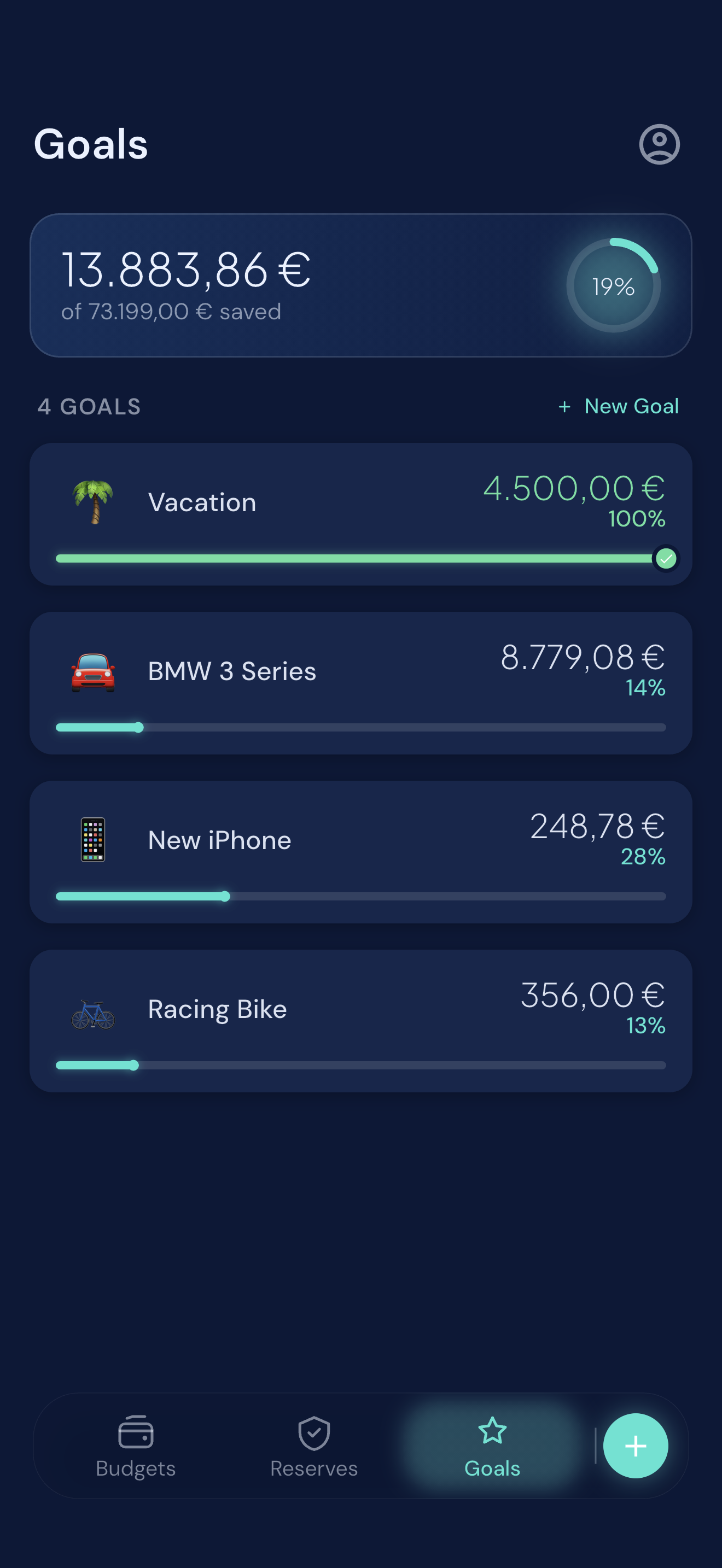
A holiday, a new bike, furniture. Set what you are aiming for and watch the progress fill up — readable at a glance, without a spreadsheet in sight.
Reserves
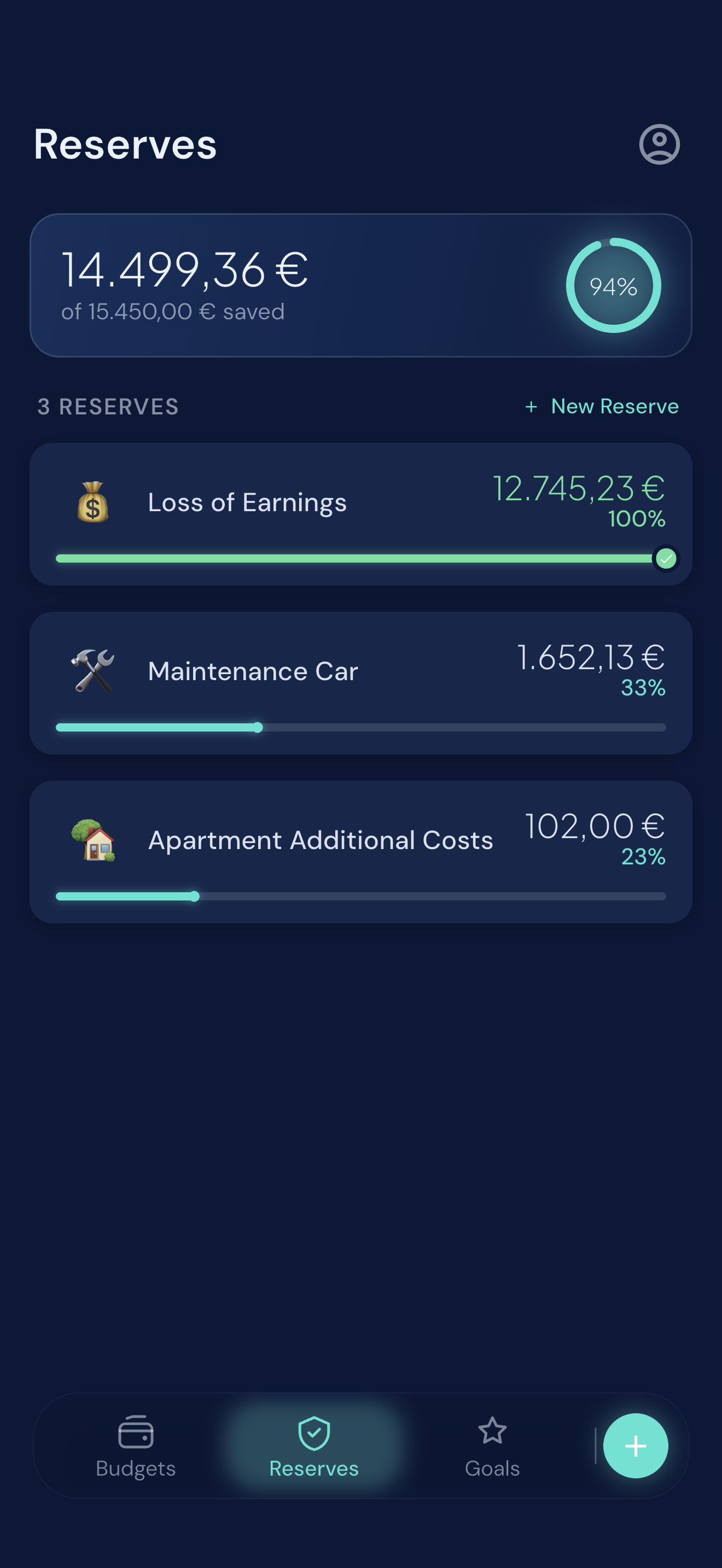
Repairs, a broken washing machine, a change of job. Reserves are the cushion you build quietly in the background, so an unexpected bill stays an inconvenience instead of a problem.
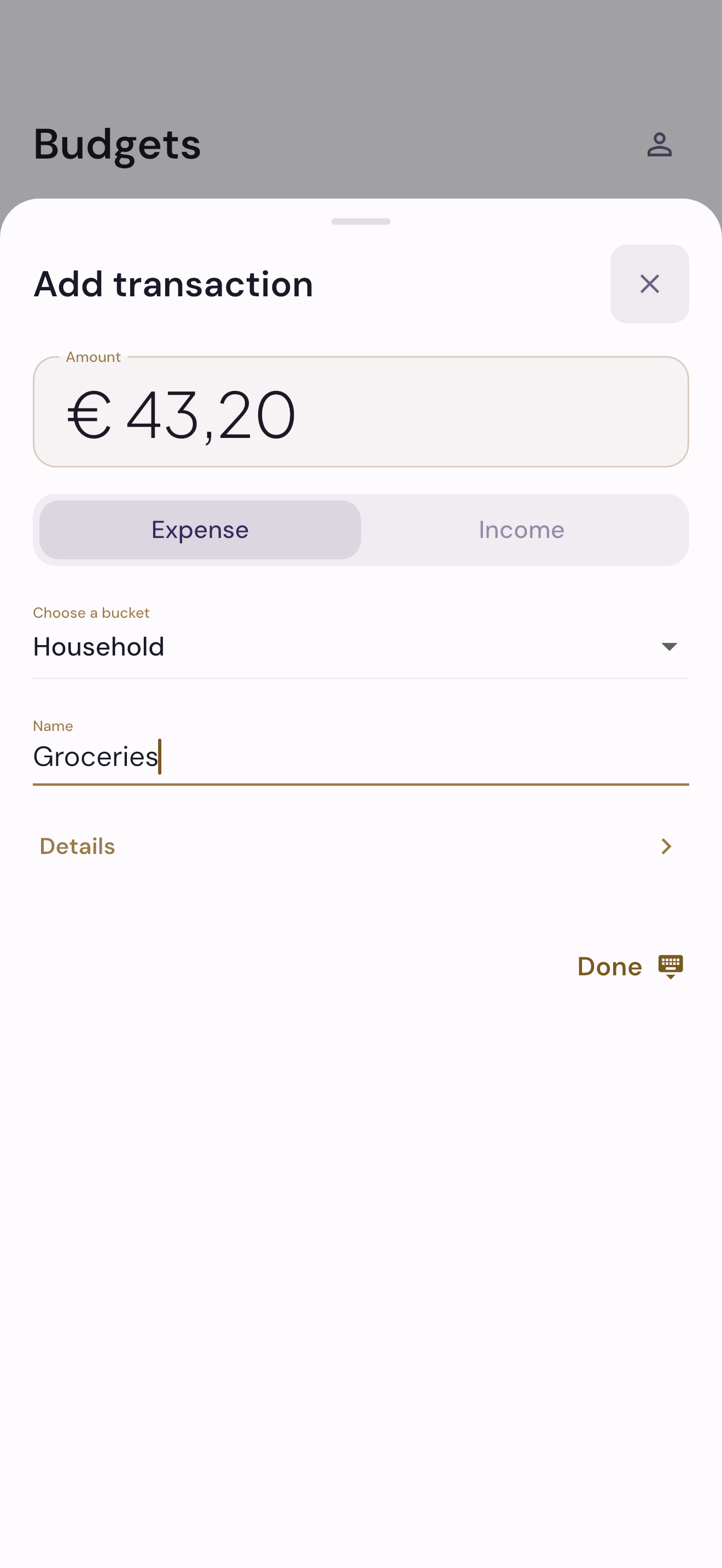
Everyday use
Amount, category, done. The details are there when you want them and out of the way when you do not — because an app you have to fight is an app you stop using by the third week.
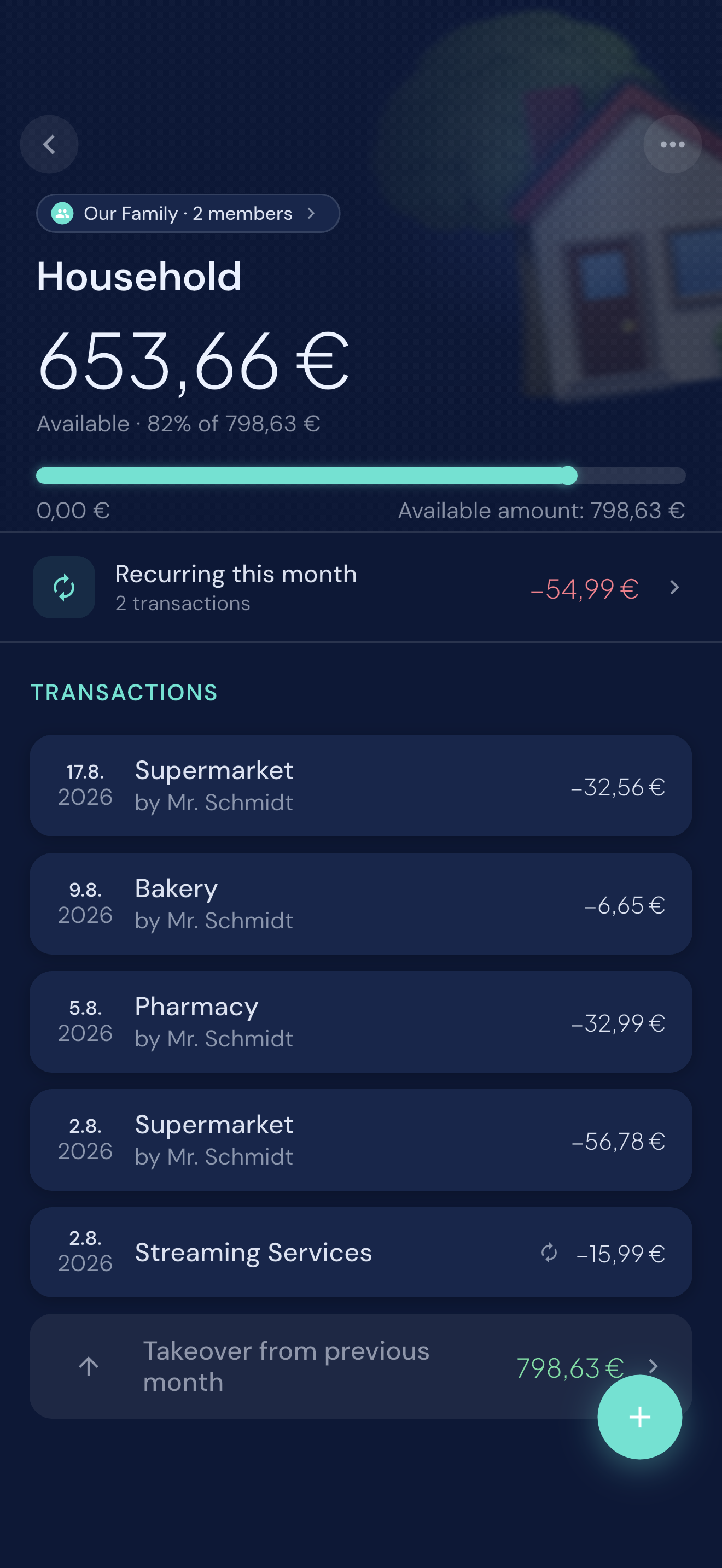
Detail when you want it
What is still available, how much of the month you have used, what is coming up as recurring, and every transaction behind the number — including who in your household added it.
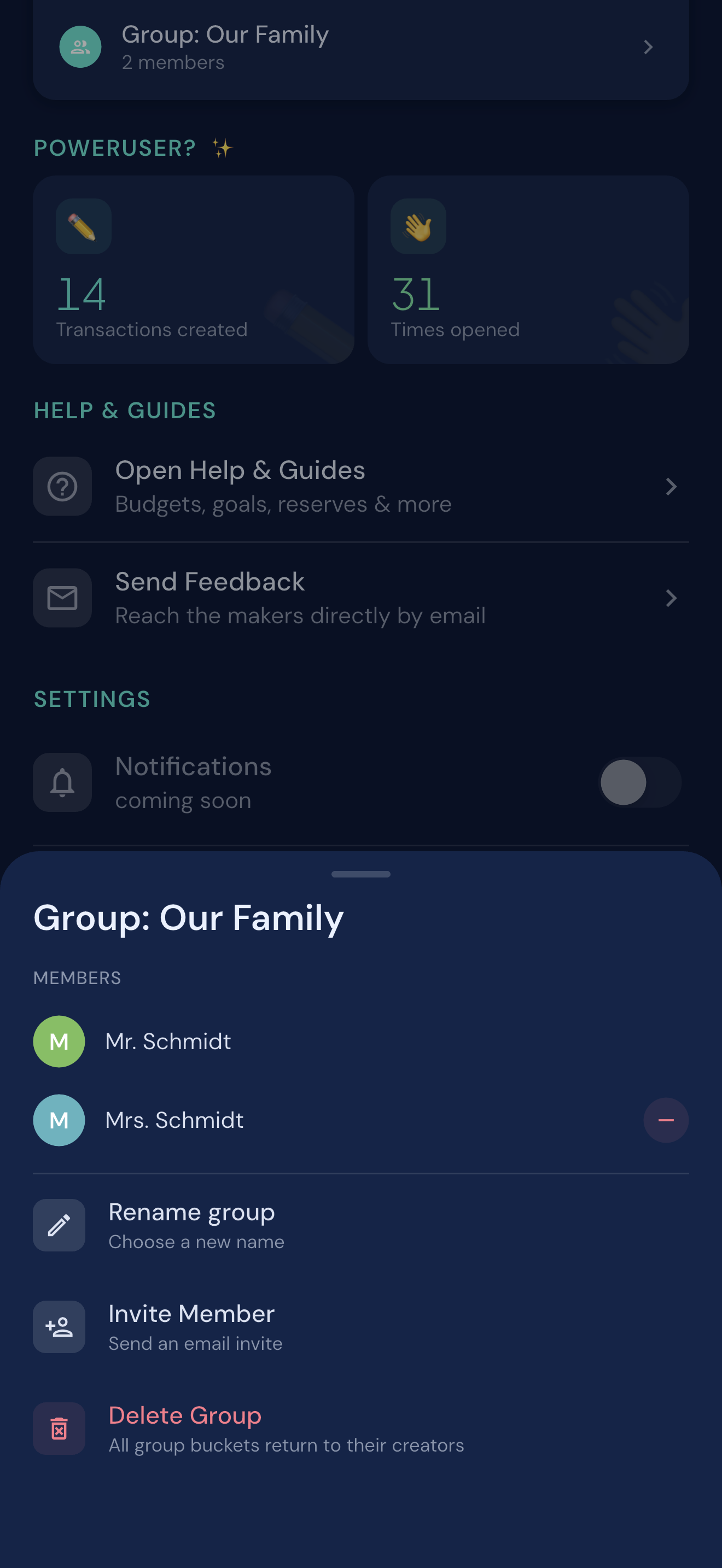
Made for households
Invite your partner or the people you share a household with. You share the same buckets, see the same balances, and log transactions side by side — changes show up instantly for everyone.

Privacy first
Schmidti Budget does not connect to your bank account, does not sell your data, and does not track you across apps and websites. Budget data is stored in the EU through Firebase.
Read the privacy policyReady on iPhone
Free to start, built for one person or a whole household, and simple enough that you will still be using it next month.
Download on the App Store